YouTube
Inspection guide library
Secure the Border Guides: Checkpoint Inspection Workflow
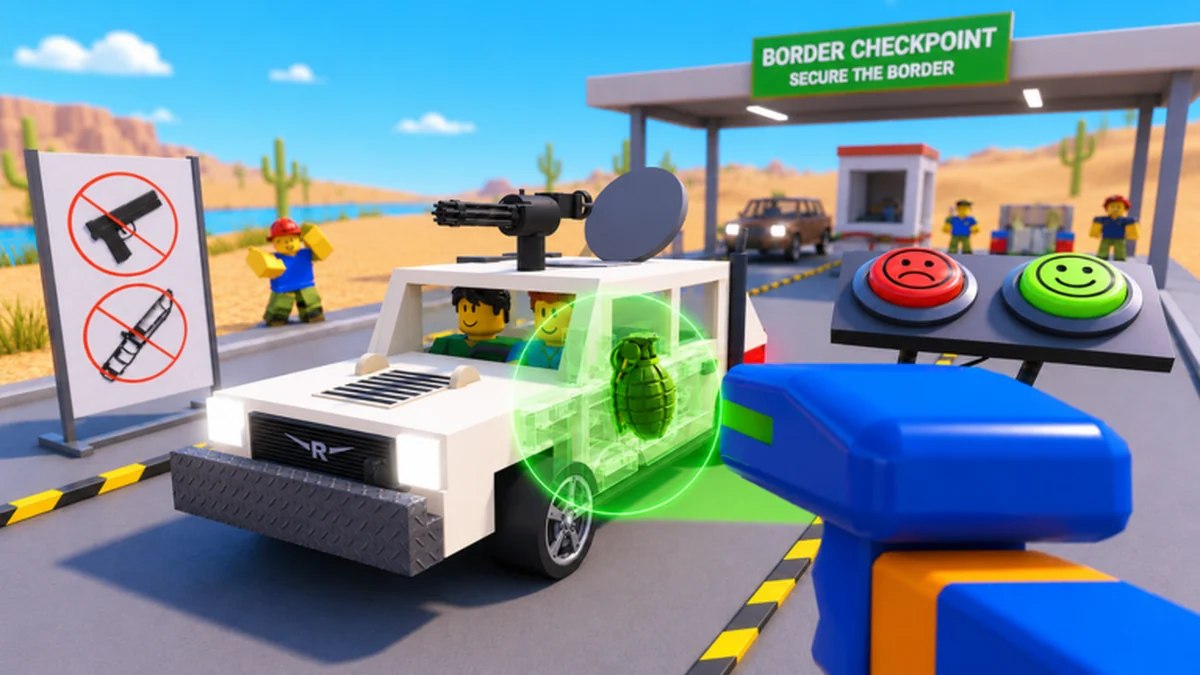
Build a repeatable checkpoint routine around the systems the official game page actually confirms: vehicle X-rays, trunk and engine searches, driver-document checks, illegal-item detection, bribes, smugglers, and raiders. Exact buttons, item names, failure rules, and visual indicators are not published in the reliable evidence, so every guide shows what to verify carefully in the current PC, mobile, tablet, or console client before making a final checkpoint decision.
Platform-awareCheck live prompts instead of copying unknown bindings
Document workflowSeparate observed fields from unsupported assumptions
Search sequenceCover X-ray, trunk, and engine checks deliberately
Evidence labelsSee where the Alpha client remains the authority
Watch the checkpoint loop before practicing
Use this archived gameplay example to recognize the pace and sequence of a checkpoint shift. Confirm every prompt, item result, and decision in your current client because the video is supporting context rather than an official control table.
How to use the inspection guide library
Start with checkpoint controls because every later inspection depends on recognizing the live interaction prompts on your device. The official page confirms support for PC, Mobile, Tablet, and Console, but it does not publish a complete button map. The controls guide therefore gives you a platform-neutral action sequence and a short test for recording the prompts shown by your current client.
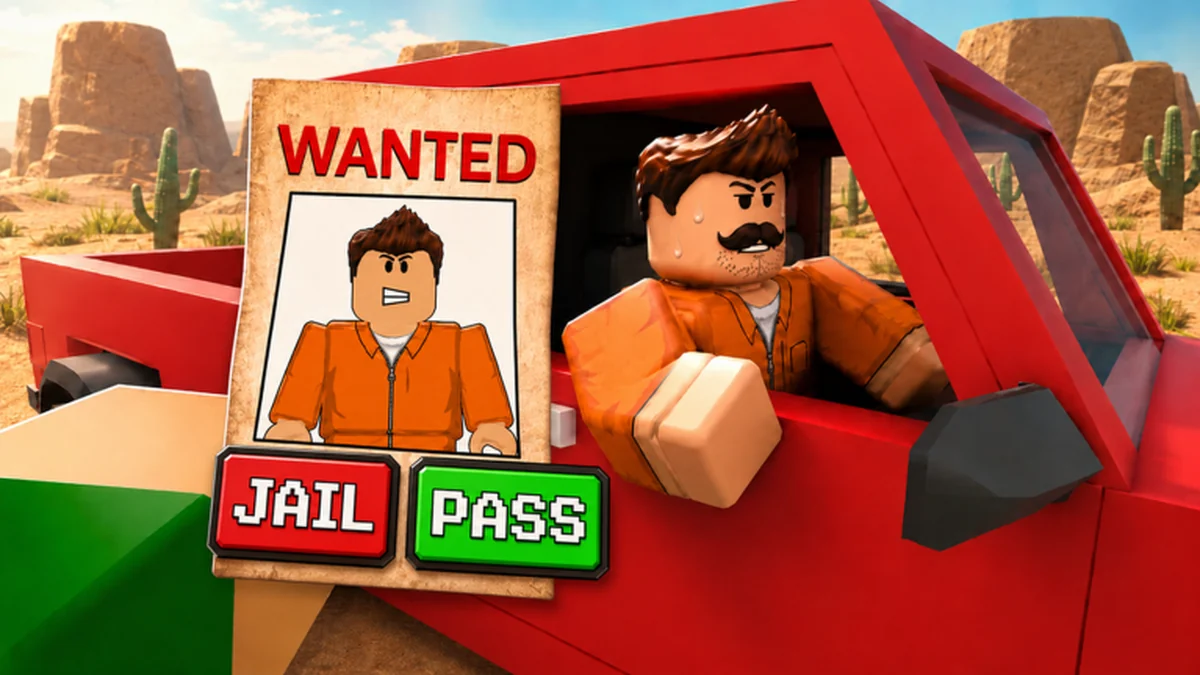
Move to the document guide when a driver check is slowing the lane. It teaches a compare-before-decide routine: read every visible field, note what the current interface highlights, and avoid importing red-flag rules from another border game. The evidence confirms document checks exist, but not a final list of fields, mismatches, timers, or penalties.
Use the engine and X-ray pages as connected tools rather than interchangeable shortcuts. The official description confirms both vehicle scanning and physical searches of trunks and engines. It does not confirm that a scan replaces a search, reveal every indicator, or establish a universal order. The guides keep observations separate so one uncertain result does not contaminate the rest of the inspection.
Treat every article as a dated Alpha workflow. If the interface, prompt, upgrade, search area, or difficulty behavior changes, repeat the affected live check while keeping the confirmed game identity and core inspection loop intact. This approach gives you useful actions now without pretending that an incomplete evidence packet is a permanent rulebook.
Choose the guide for the current checkpoint problem
Open one focused route, complete its live checks, and return for the next inspection system instead of trying to memorize unsupported details.
I cannot identify the controls
Map current prompts to approach, inspect, search, decide, and reset actions.
Check checkpoint controlsI am checking driver documents
Use a field-by-field comparison without inventing red flags.
Review documentsI need to search the vehicle
Separate engine and trunk observations and record the live result.
Plan an engine searchI need to read an X-ray
Scan carefully, verify current indicators, and follow up before deciding.
Use the X-ray guideFeatured reviewed resources
Cards in this section come from published article metadata. Each destination has a review date, an evidence boundary, and a route that exists in this site build.
All published inspection guides
Browse checkpoint controls, document checking, engine searches, and X-ray vehicle inspection. Each article publishes the confirmed interaction, practical live checks, unresolved details, and a concise FAQ without filling gaps with copied mechanics.
Inspection guide
Secure the Border Checkpoint Controls: Inspection Workflow
Use Secure the Border checkpoint controls to map live prompts, practice a repeatable vehicle inspection, and troubleshoot PC, mobile, tablet, or console inputs.
Inspection guide
Secure the Border Document Checking Guide: Safe Workflow
Use this Secure the Border document checking guide to compare visible driver details, separate vehicle evidence, and verify current red flags without guessing.
Inspection guide
Secure the Border Engine Search Guide: Inspection Steps
Use this Secure the Border engine search guide to cover engines and trunks, log live findings, connect X-ray evidence, and avoid unsupported item claims.
Inspection guide
Secure the Border X Ray Vehicle Guide: Careful Scan Steps
Use this Secure the Border X ray vehicle guide to run a careful scan, record current indicators, follow up with physical searches, and avoid false item IDs.
Continue with a connected player resource
Secure the Border guide questions
Where should a new checkpoint player begin?
Start with checkpoint controls, record the prompts on your current device, then use the document, X-ray, and search guides as separate practice passes.
Does the wiki publish exact PC, mobile, or console buttons?
No complete official button map was available. The guide tells you how to identify and test the current prompts without assigning unsupported keys or buttons.
Is the X-ray a replacement for trunk and engine searches?
The official description confirms all three interactions but does not define a universal replacement rule. Treat scan and physical search observations separately in the current client.
Are the document red flags complete?
No reliable complete field or mismatch list was available. Read the visible document and game feedback rather than importing rules from another experience.
Why do the guides mention Alpha?
The official title currently labels the game Alpha, so interfaces and mechanics may change. Review dates and live checks keep the workflow useful without calling it final.
Build one calm, repeatable inspection pass
Map the current prompts, compare one evidence source at a time, and record the result before the checkpoint becomes harder.