Secure the Border Updates: Alpha Status and Event Checks
Track the current Alpha identity and the official Roblox experience without turning a page snapshot into permanent patch notes. The archived official page showed an Update 1 event and confirms the checkpoint systems available at review time. It does not provide a complete version history, detailed changelog, or durable schedule. This hub clearly explains how to verify the live title, description, event panel, interface, prices, and mechanics after a change.
How to check an update without overclaiming
At the August 2, 2026 review, the official Roblox page titled the experience Secure the Border [Alpha]. The Alpha label is a current identity fact, not a promise about release timing, stability, or a particular development process. Use the exact place ID when a visible title or event label changes.
The same official page displayed a New content UPDATE 1 event. That verifies the existence of the event at the archived review, but the evidence packet does not include a complete itemized changelog. Do not turn screenshots, guesses, or features already present in the general description into claimed Update 1 additions.
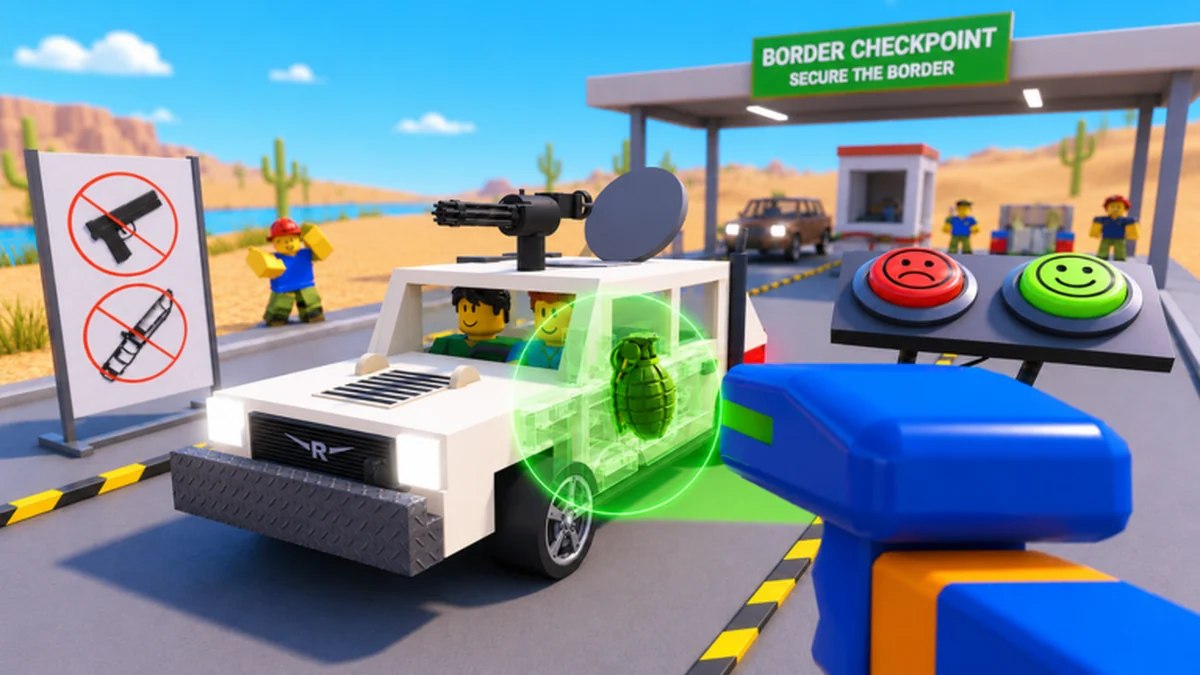
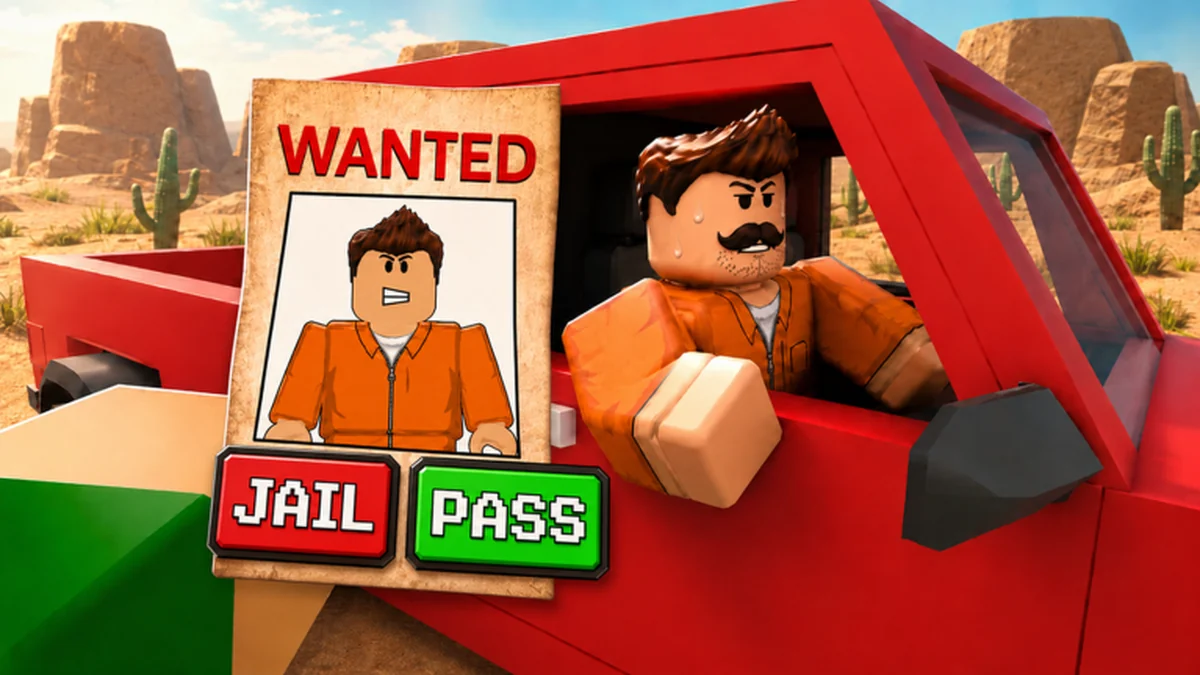
After a change, compare the live title, official description, event panel, interaction prompts, upgrade panel, and inspection feedback. Record only what changed and the date observed. Existing official core systems—X-rays, trunk and engine searches, documents, cash upgrades, bribes, smugglers, raiders, and rising difficulty—remain separate from an unverified patch attribution.
Use the developer-controlled Roblox group as an official destination, but do not assume every third-party video or search result speaks for the developers. If no creator-owned source resolves a version question, preserve the uncertainty and give players a live verification step rather than publishing a dramatic answer.
Choose the update check that matches your question
Use official destinations for current status, then revisit only the guide or value affected by the change.
I need the current game page
Open the exact Roblox experience at the verified place ID.
Find the official gameA control or prompt changed
Rebuild the platform prompt map in the current client.
Check controlsAn upgrade price changed
Use the new live cost and preserve a cash reserve.
Recalculate the budgetAn item result changed
Date the observation and update only the affected live record.
Review item checksPublished update notes
Current official status and event context are summarized directly on this hub because no separate update detail article met the evidence threshold. Future articles should appear only when an auditable creator-owned source supports a specific change.
No reviewed resources have been published yet.
Recheck systems affected by a new build
Secure the Border update questions
Is Secure the Border still labeled Alpha?
The official title showed [Alpha] at the August 2, 2026 review. Check the live Roblox page because the title can change after publication.
What was in Update 1?
The official page verified a New content UPDATE 1 event, but the evidence packet did not provide a complete itemized changelog. This site does not guess the missing changes.
Where should I check current update information?
Start with the exact official Roblox experience and the Woof Games+ Roblox group listed in the official-links hub.
Do review dates prove a feature is still current?
No. A review date records the evidence snapshot. Compare update-sensitive prompts, prices, effects, and item feedback with the live client.
Will Alpha progress carry into a later release?
No reliable persistence or reset policy was available. Do not assume cash, upgrades, or progress are guaranteed to transfer without a creator-owned announcement.
Check the current official build before changing your route
Open the exact Roblox destination, identify the affected system, and repeat its live check without rewriting stable evidence.